Introduction
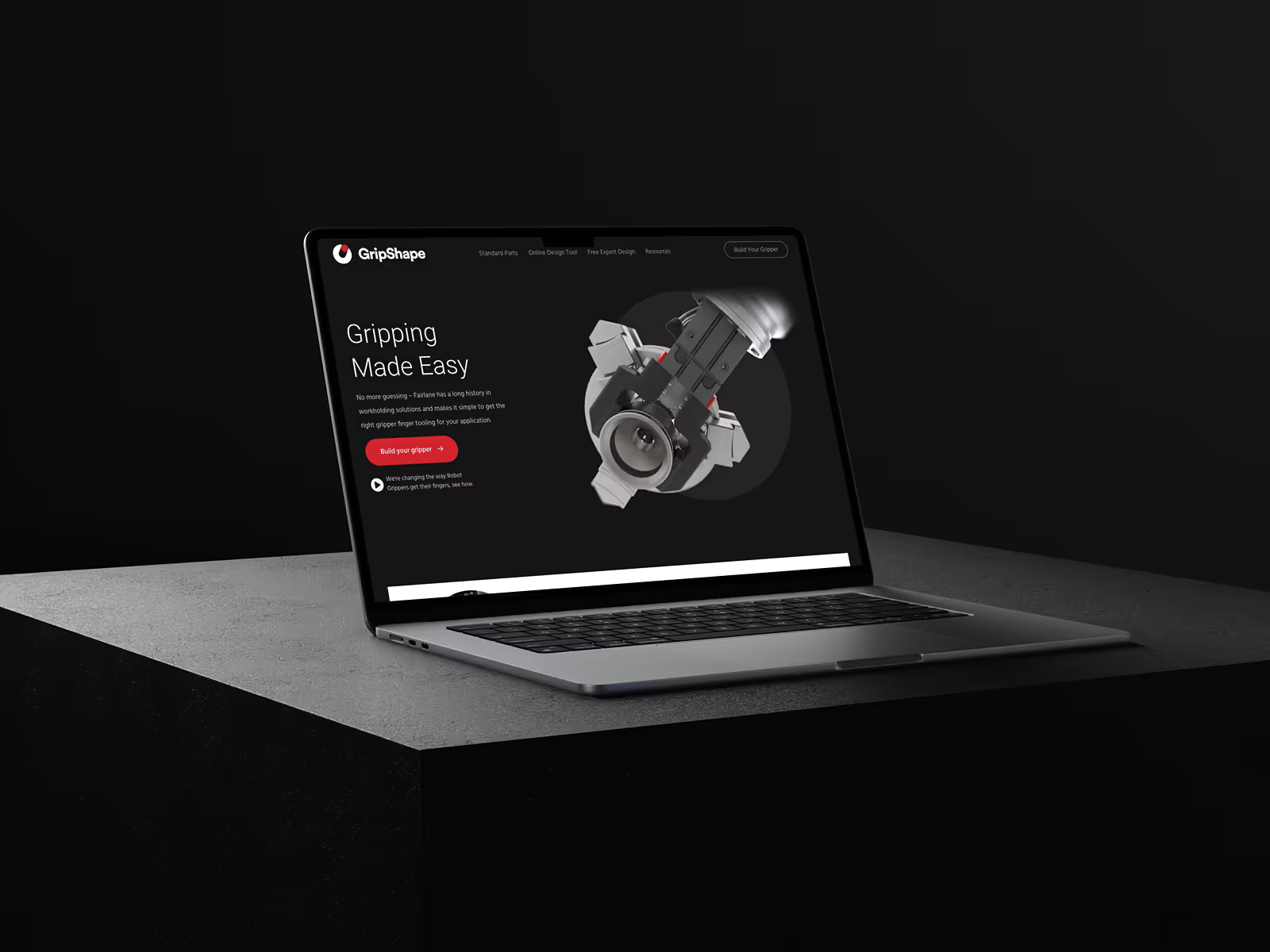
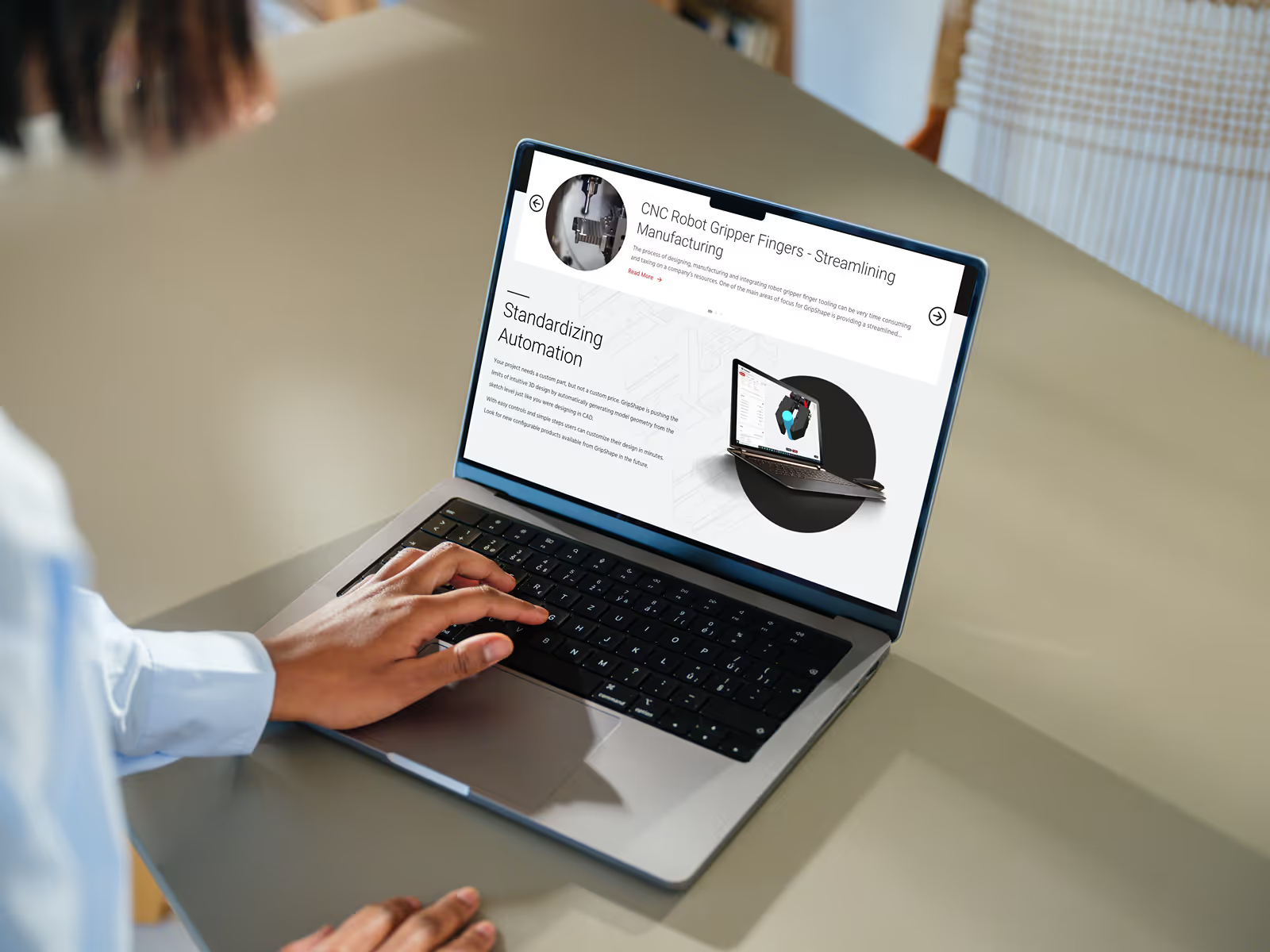
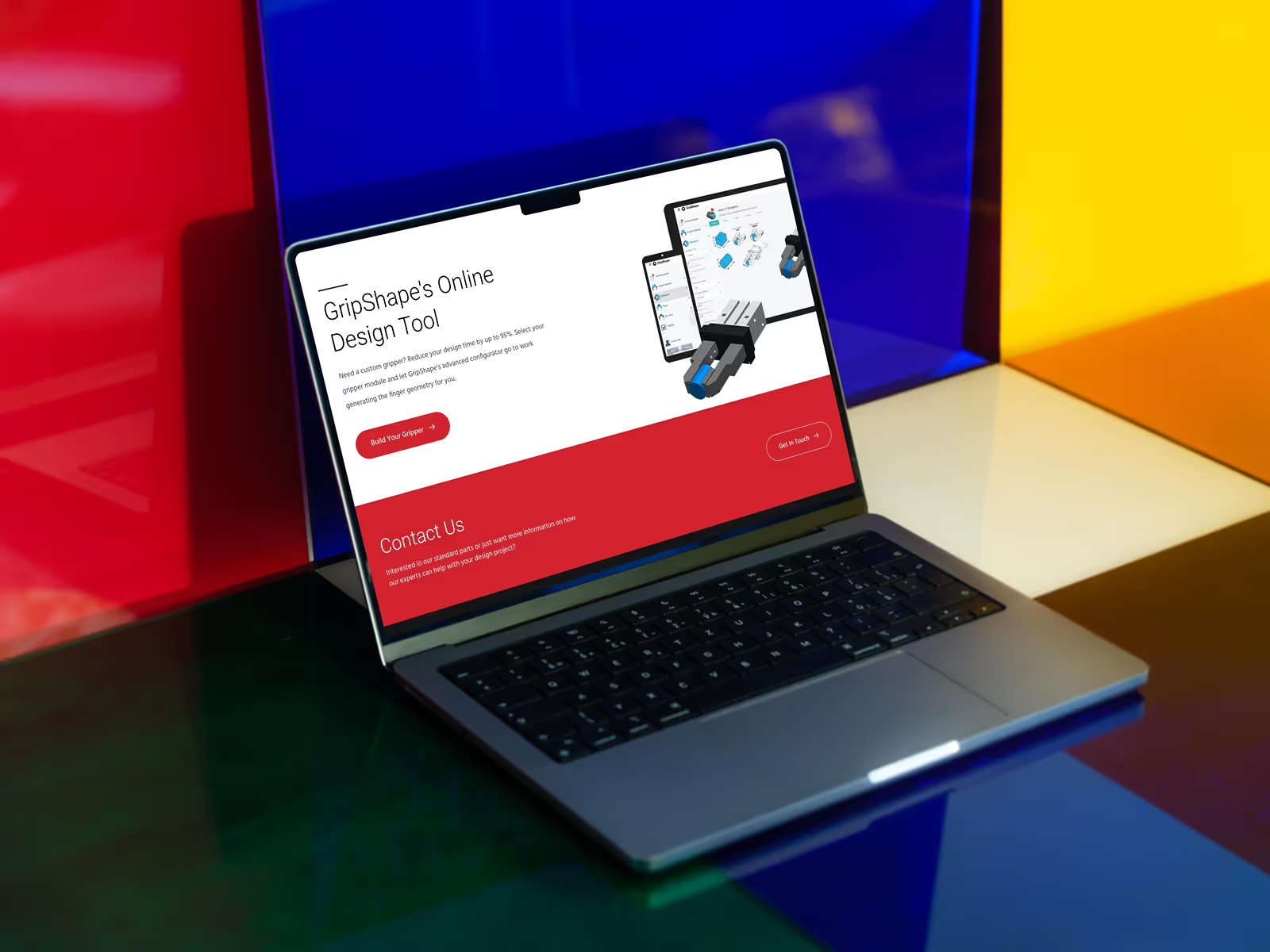
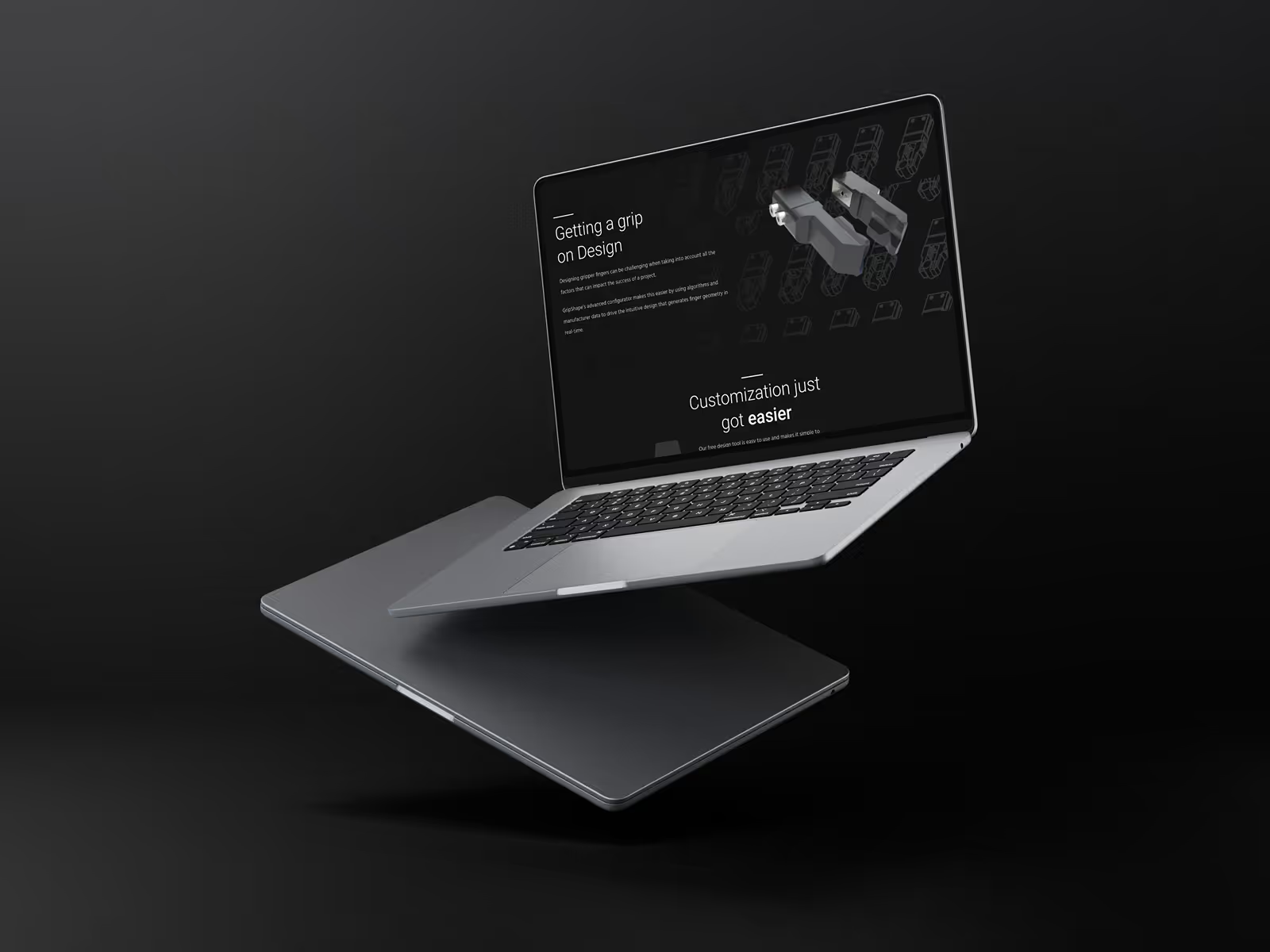
GripShape, powered by Fairlane Products, helps manufacturers streamline automation with custom robot gripper finger tooling. With over 60 years of experience in workholding, they've built an innovative online design tool that lets engineers configure custom grippers in minutes—no CAD experience required.
Challenge
But GripShape's marketing team was stuck. Every website update—new content, campaign pages, small tweaks—required developer involvement. WordPress had become a bottleneck, slowing down their ability to move quickly and support their growing digital presence.
They needed a platform their team could own. One that was stable, intuitive, and didn't require a developer on standby for every change.
Project Deliverables and Results
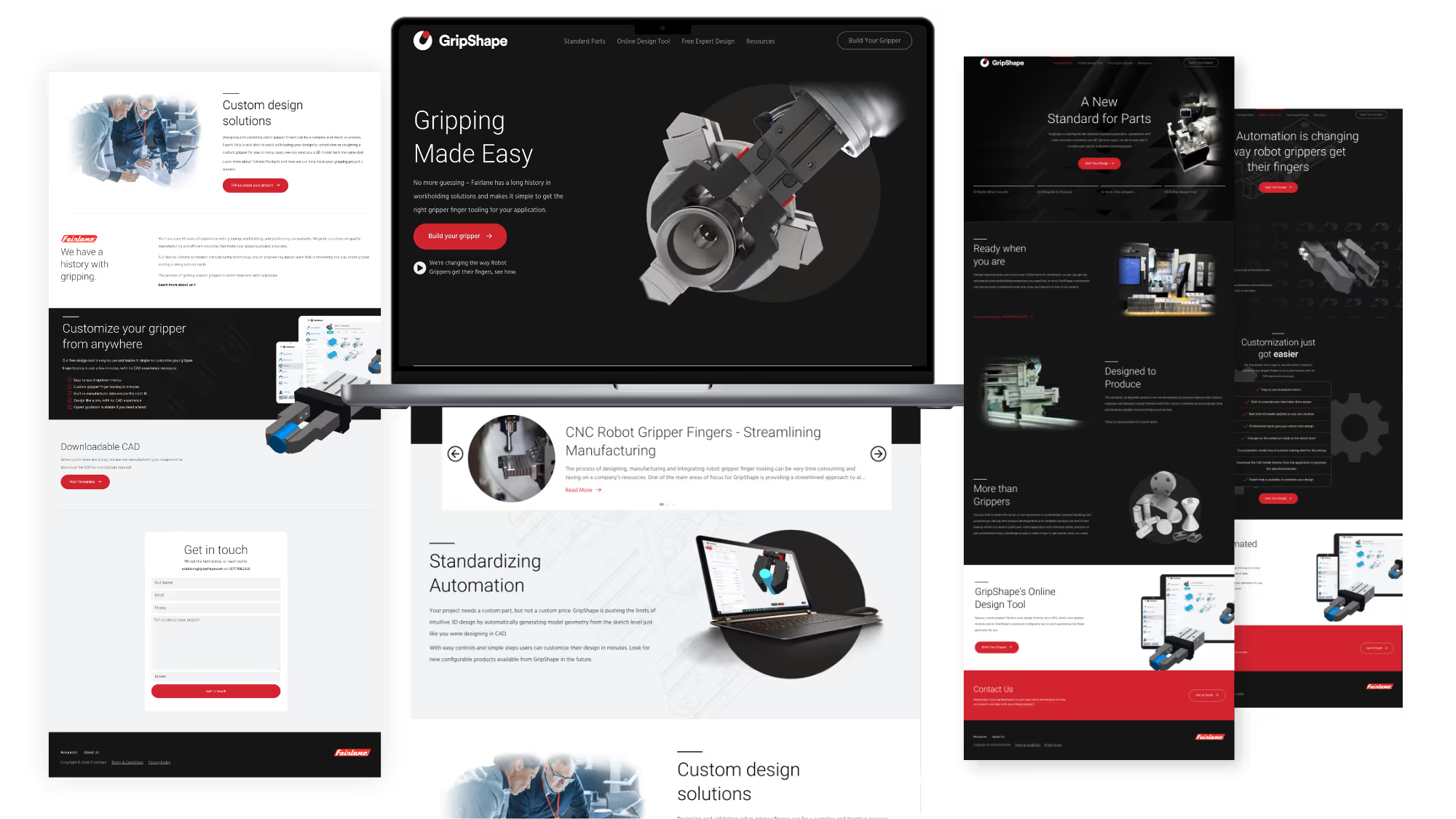
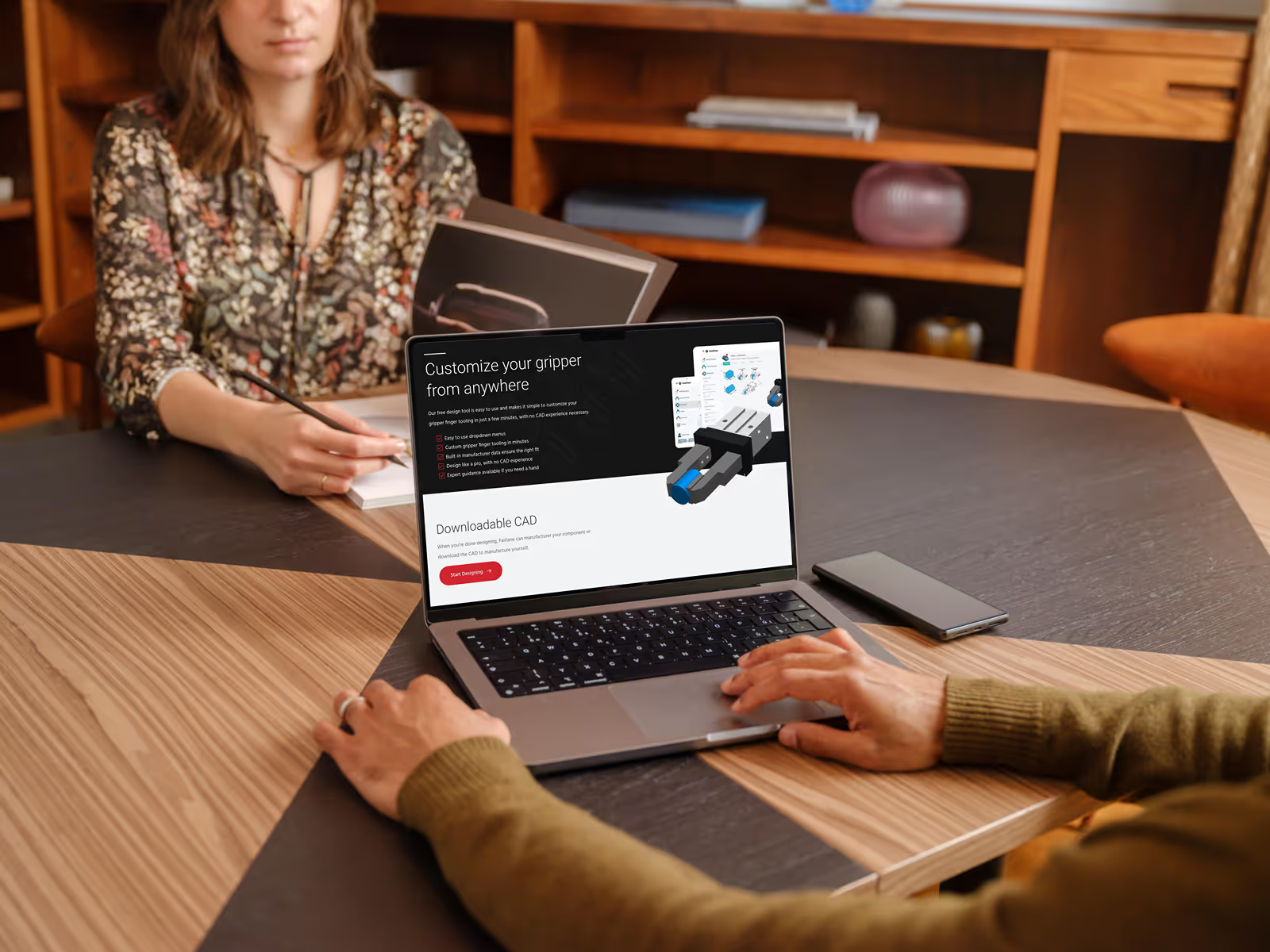
The key wasn't just moving platforms, it was building a system designed for independence. That meant a component-based design system, reusable content blocks, CMS-powered sections, and custom GSAP animations their team could apply without touching code.
I also created 6 detailed SOPs with video walkthroughs so the team could confidently manage everything themselves.
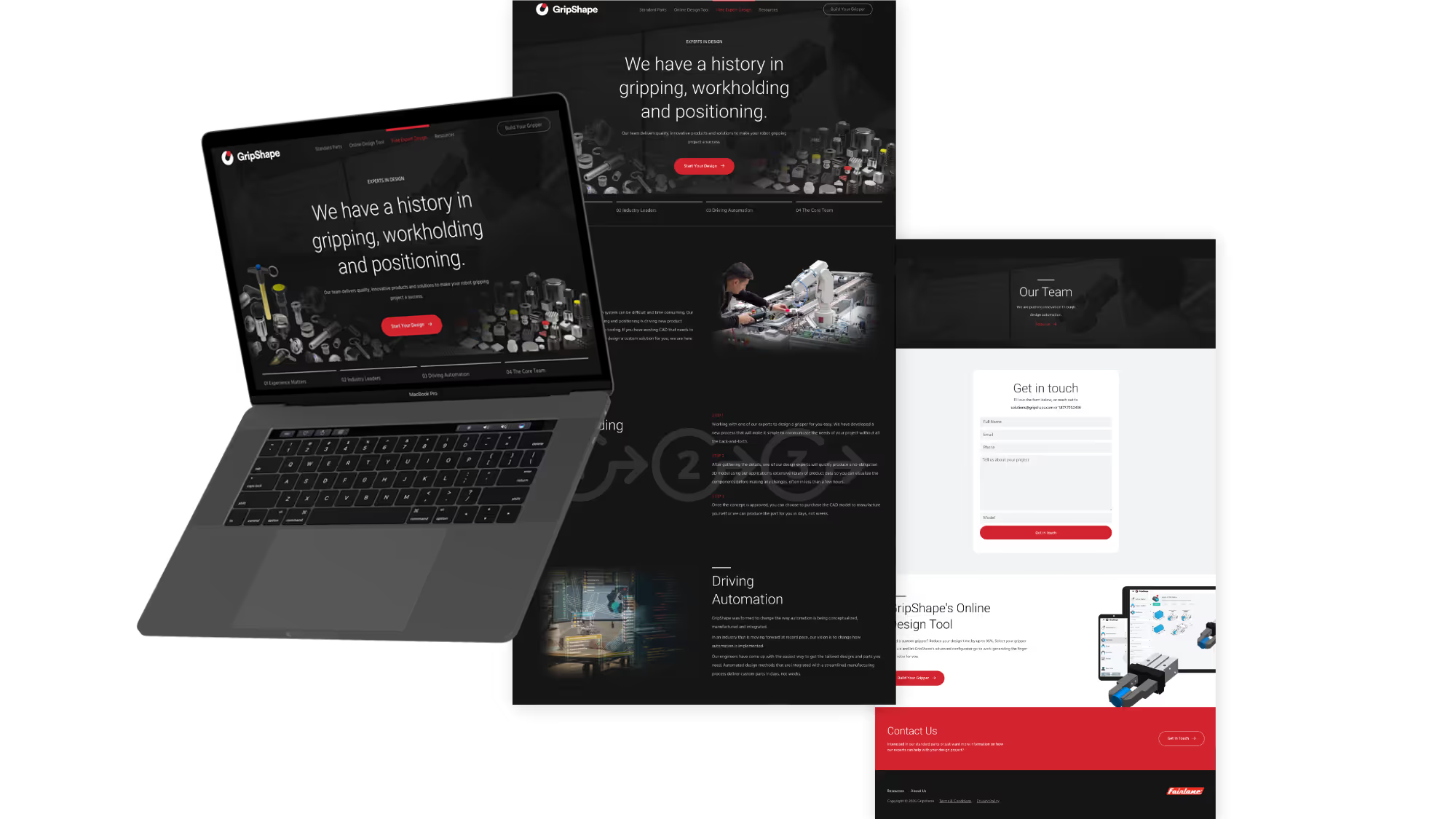
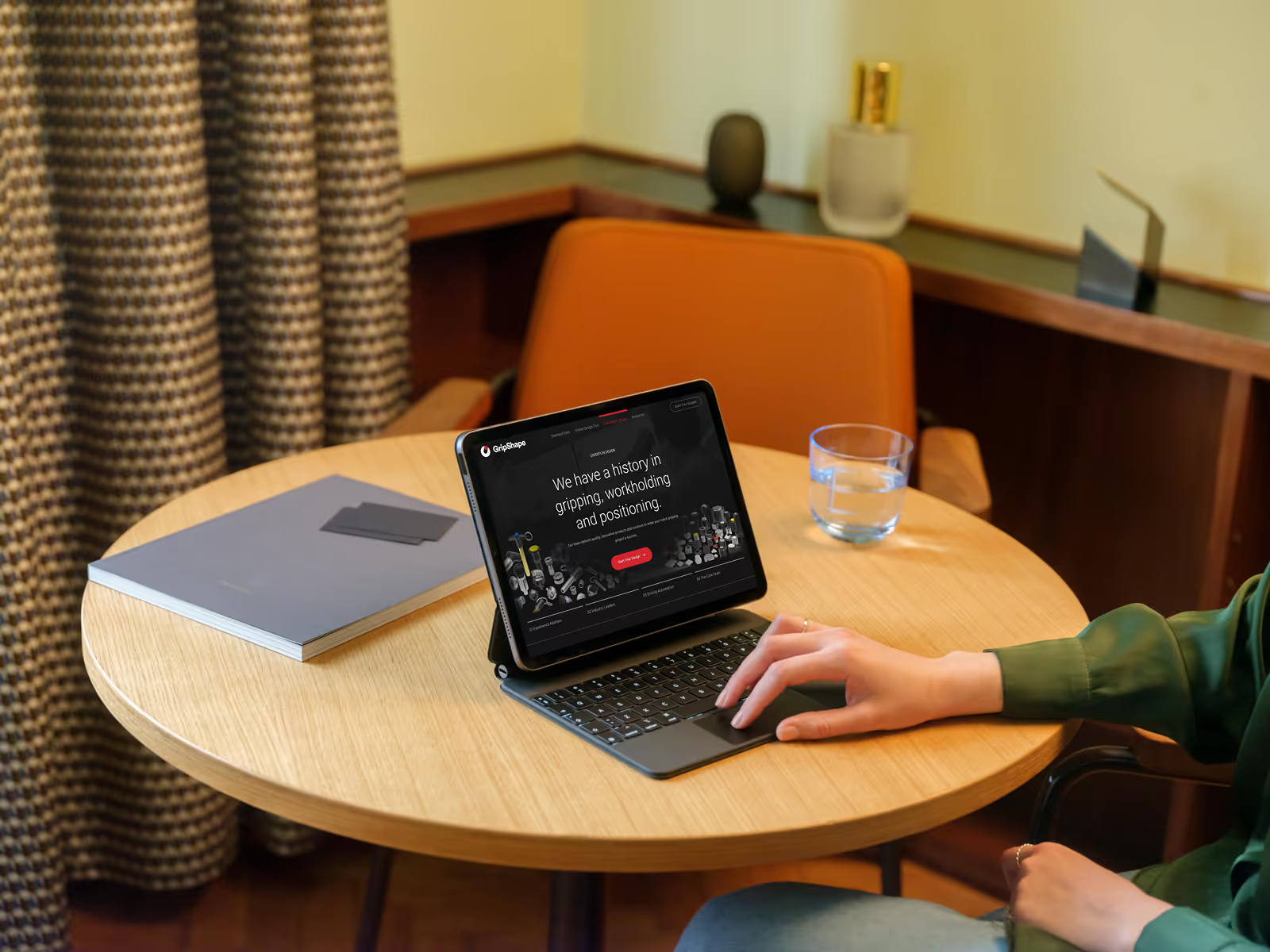
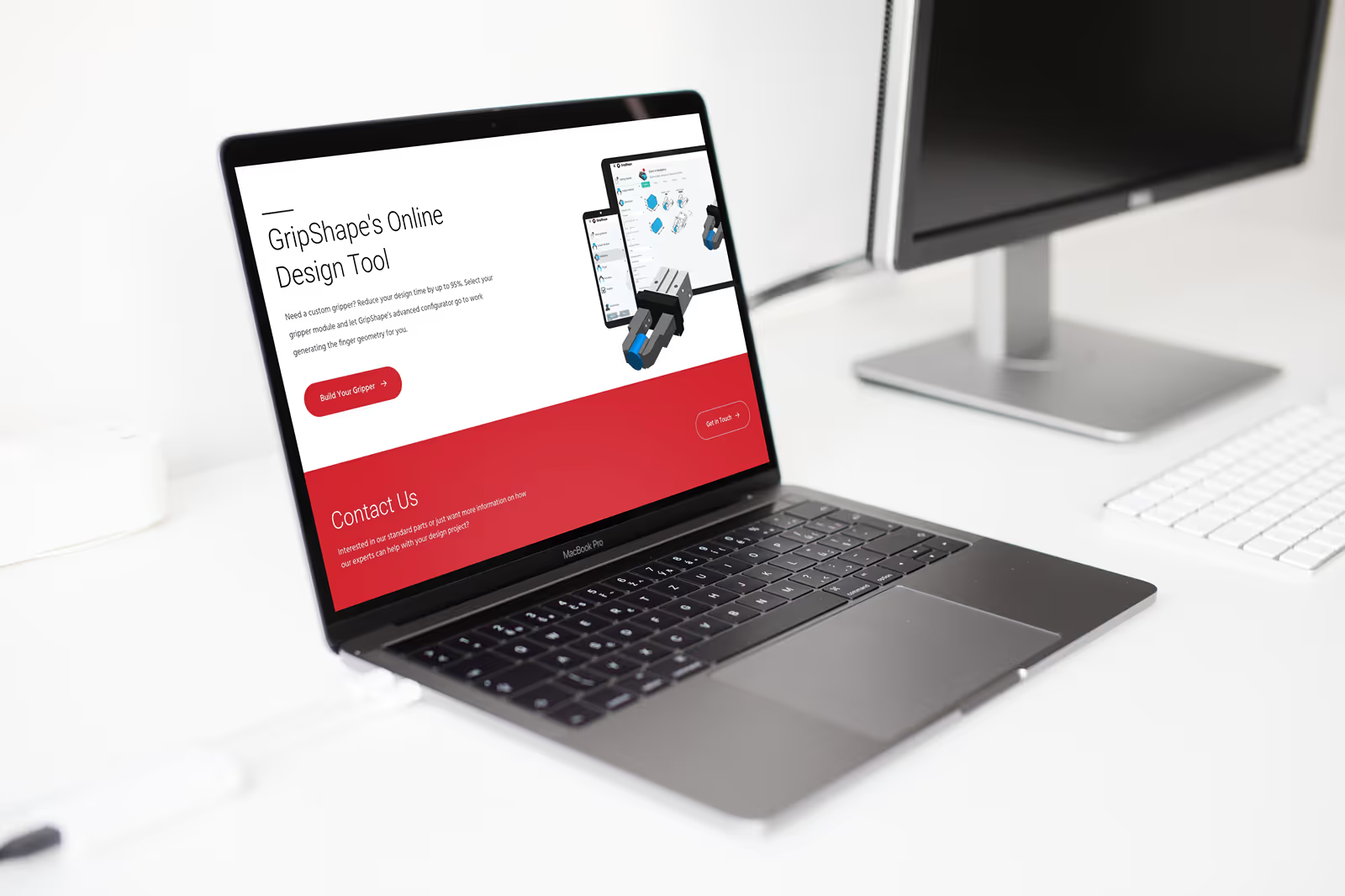
Migrated their site from WordPress to Webflow with a one-to-one rebuild, we preserved their existing design while unlocking a modern, marketer-friendly platform.
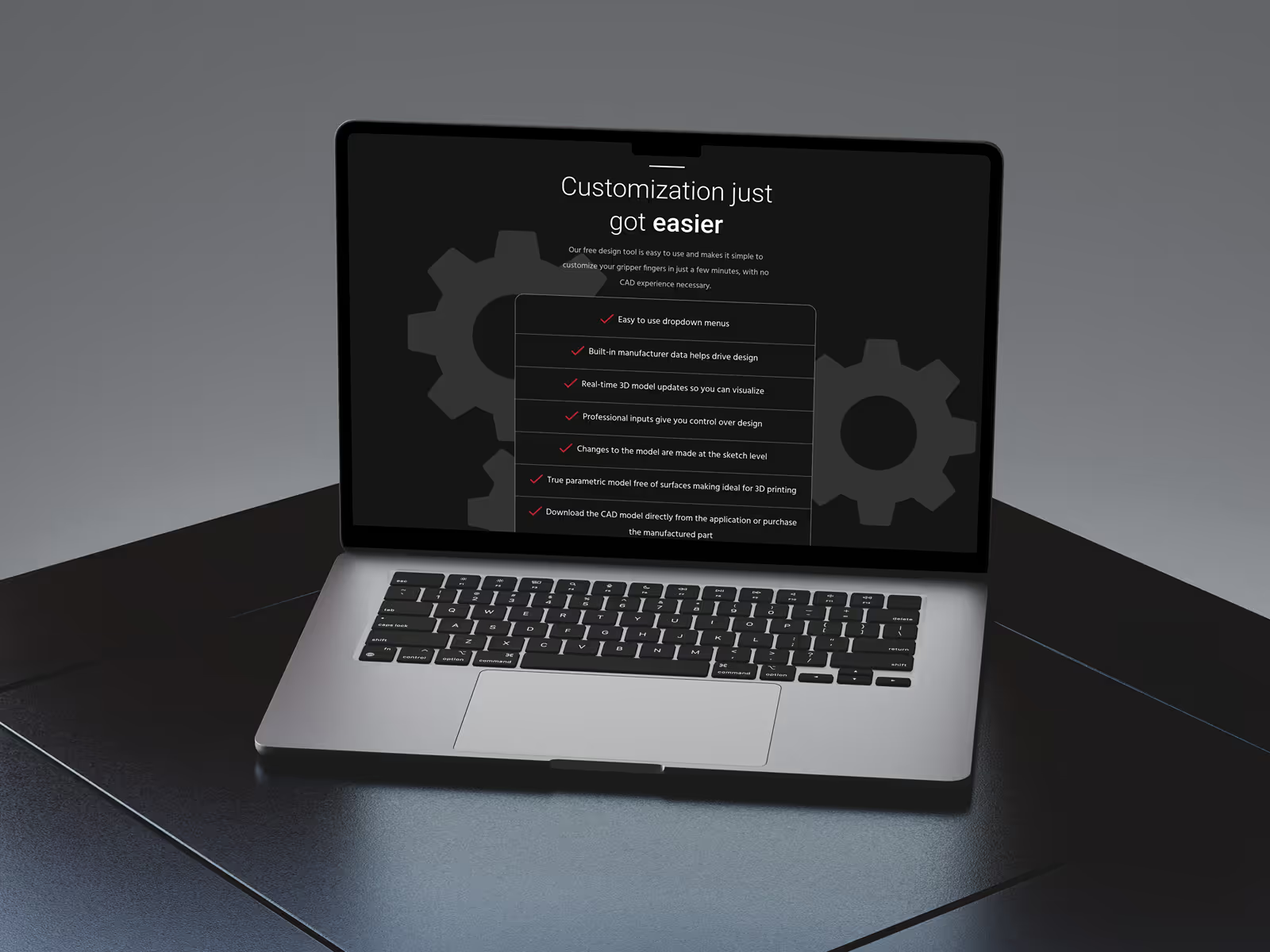
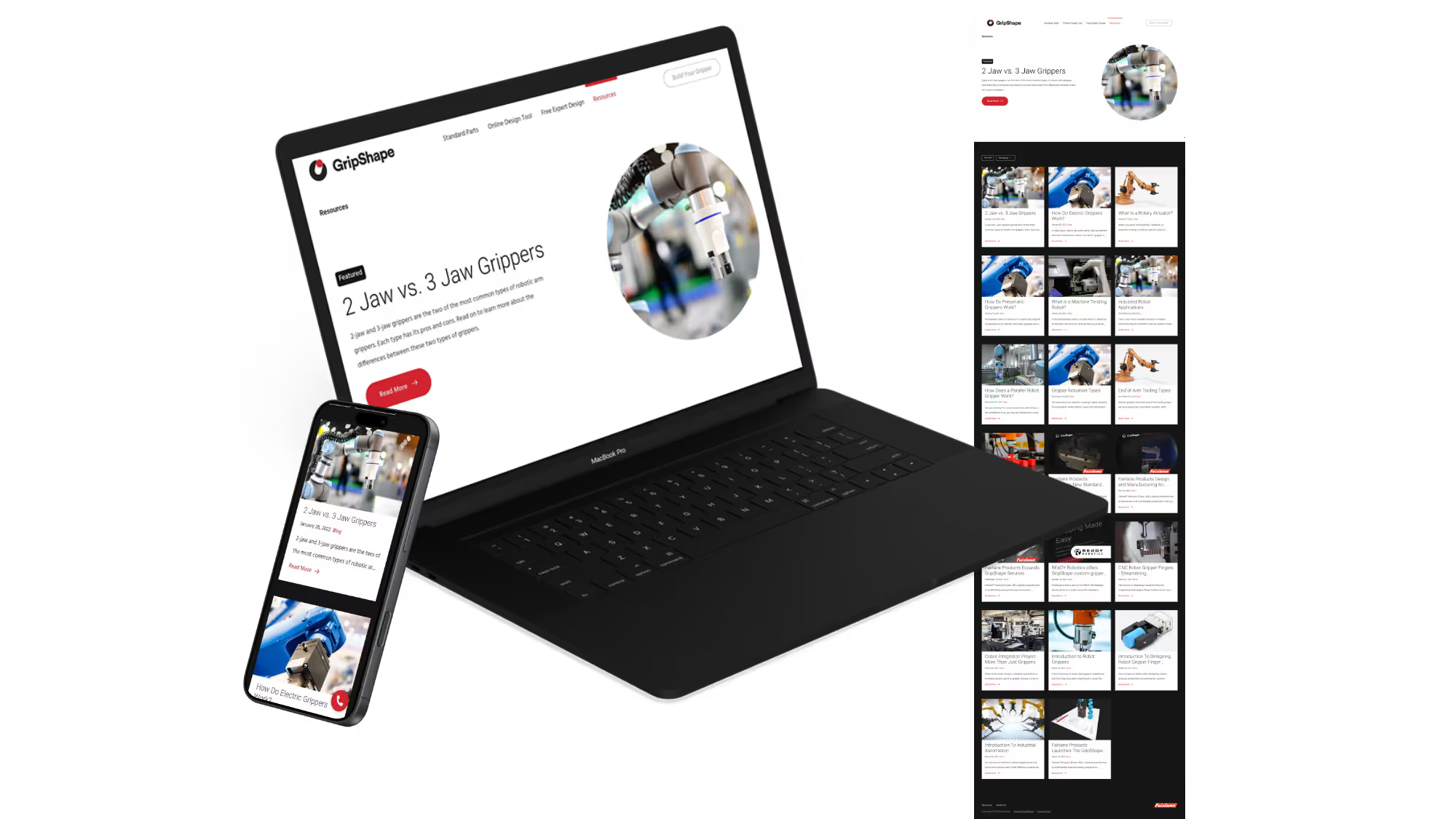
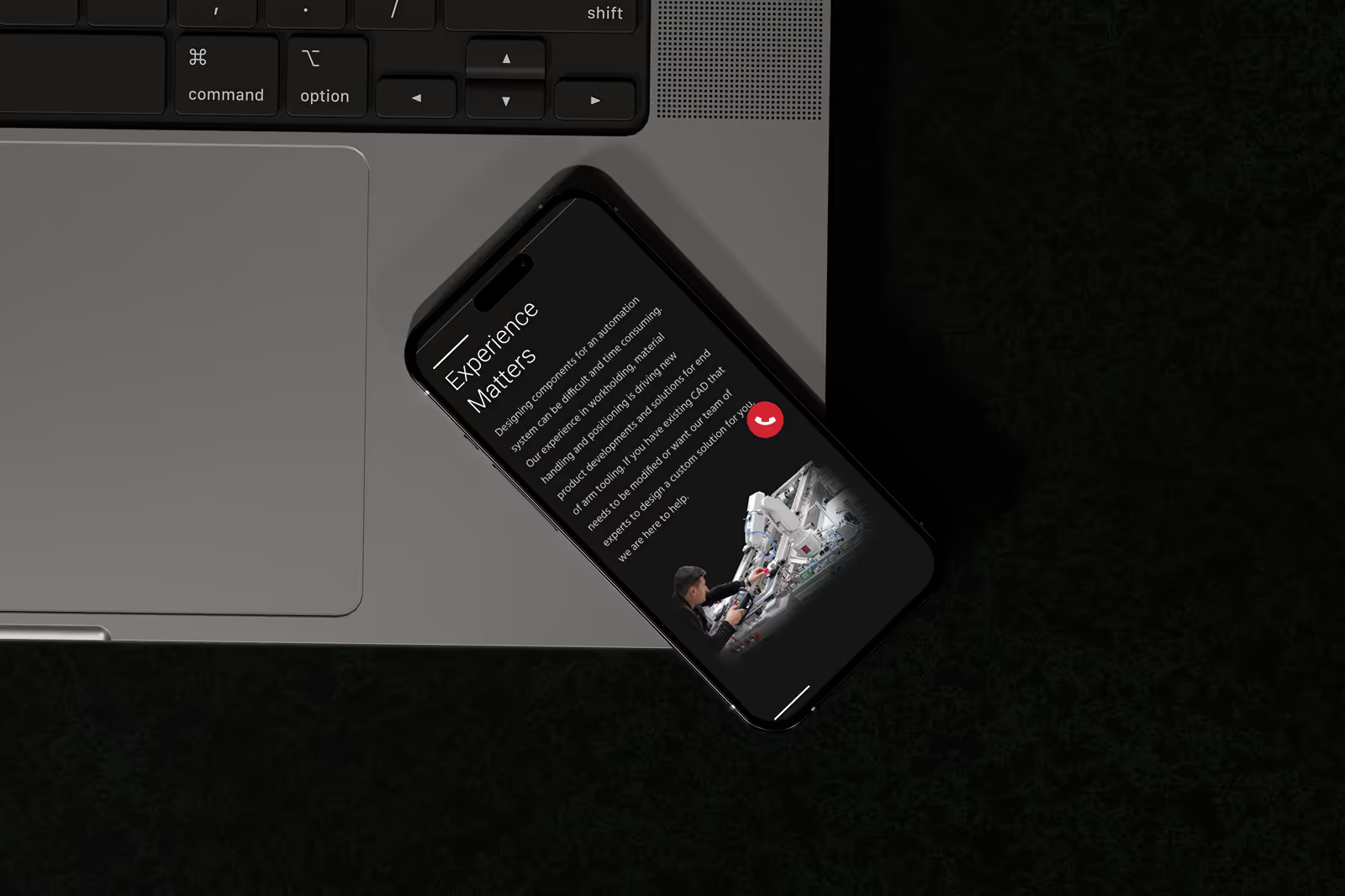
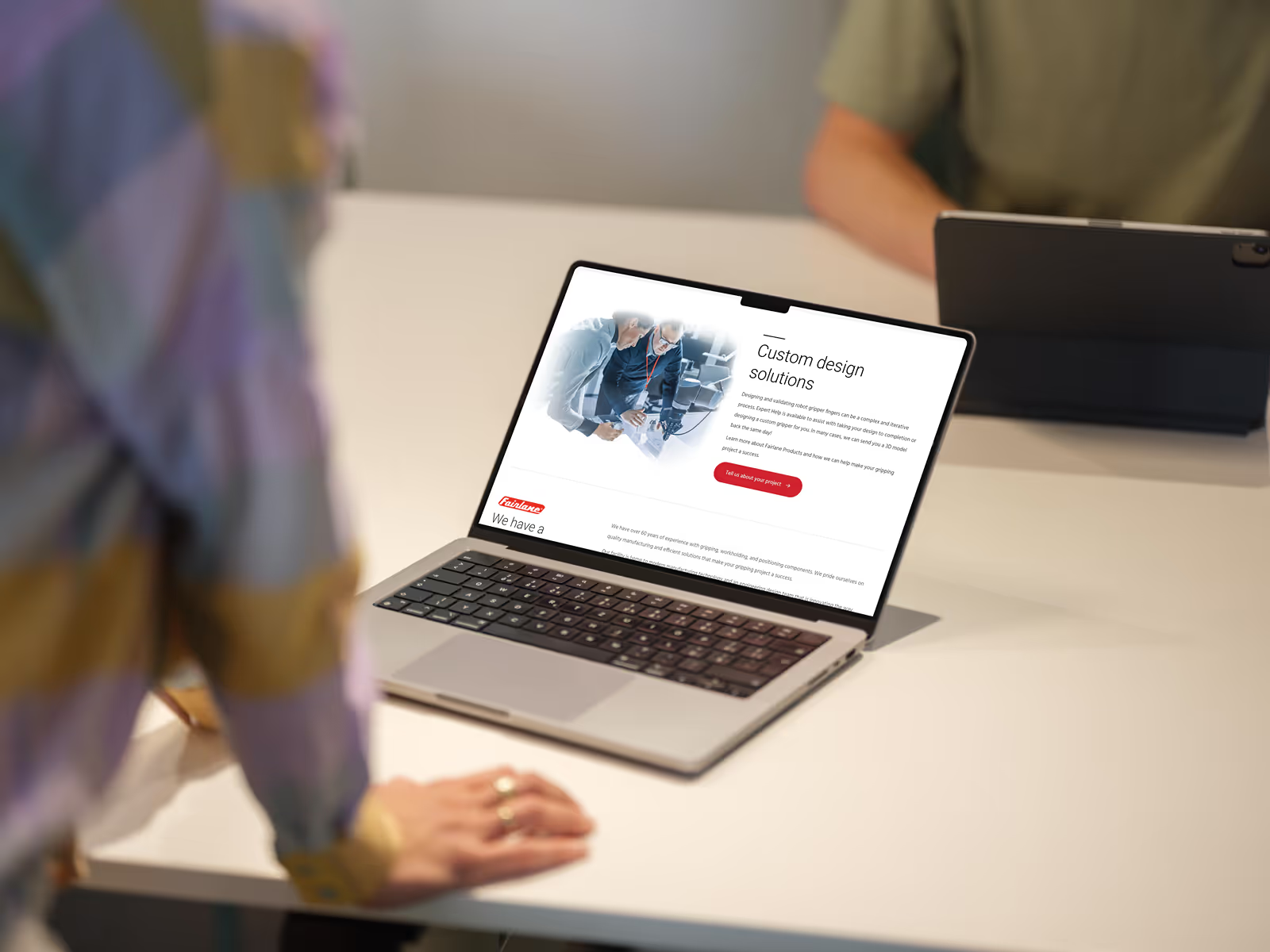
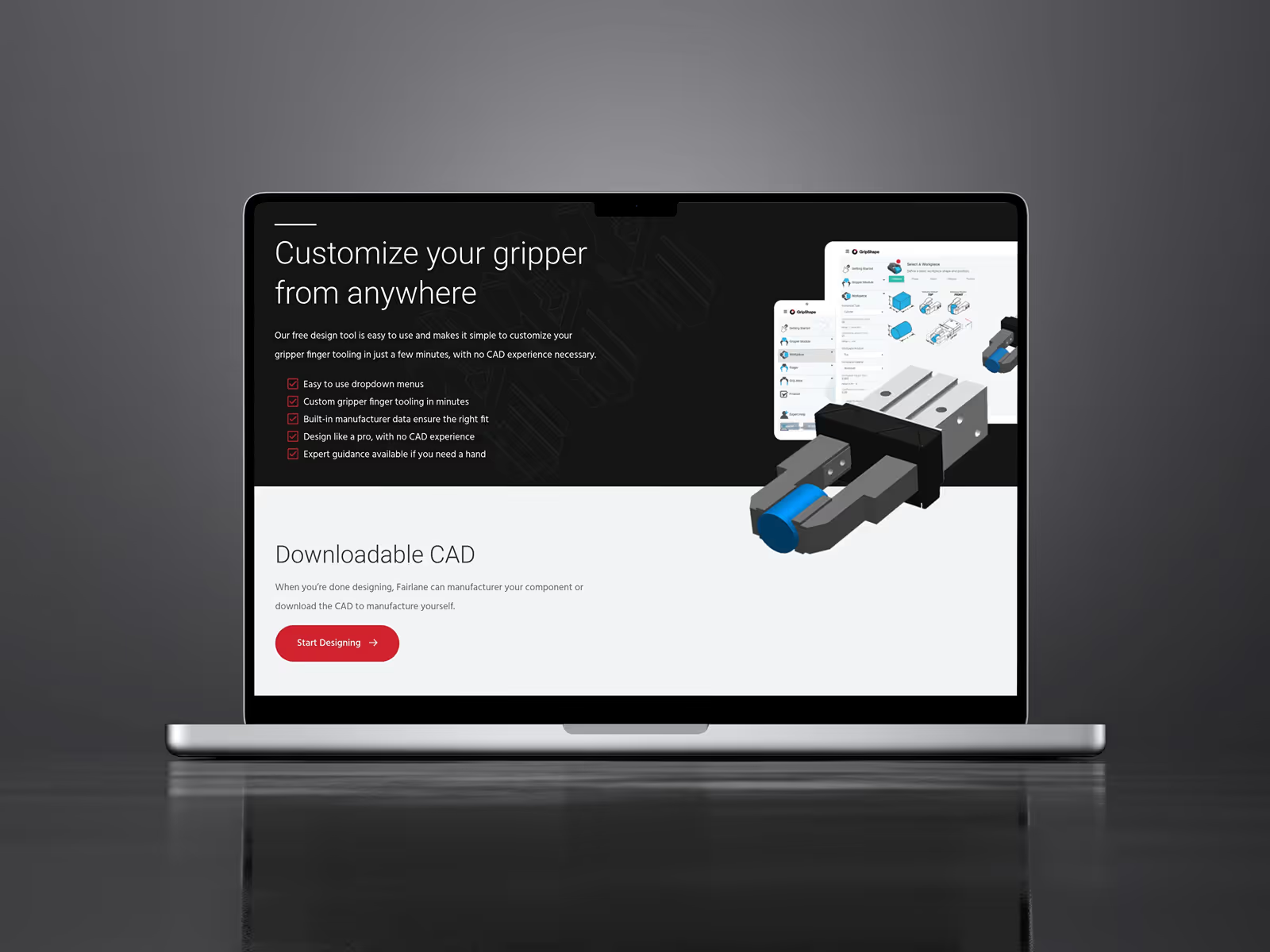
The new Webflow site gives GripShape's marketing team the independence they needed.
Results
GripShape's marketing team now has full control. They can launch pages, update content, and run campaigns without waiting on developers—and without worrying about the site breaking. What used to take days now takes minutes.
A recap of what was built:
- WordPress to Webflow migration for improved marketing team autonomy
- Component-based design system (buttons, CTAs, headers, navigation, videos)
- Custom GSAP animation system controlled via data attributes
- Swiper.js homepage slider pulling featured content from CMS
- Modal pop-up component for video content
- Light/dark navbar variants with automatic switching
- CMS structure with resources, categories, and tags for content filtering
- 6 detailed SOPs with video walkthroughs for team training
Like What You See?
Book your free no obligation website consultation to get started.